
Manager authorization
Enter the four-digit manager PIN to open Network One Dashboard.
Network One Dashboard
Upload once, then place media in any station rotation.
Use the arrows to set the order. Disabled items stay saved but will not show on the TV.
Station schedule
Schedules are view only. Make changes in NEW NEW DAILY ROSTER or Special Events. Connected SharePoint workbooks refresh automatically.
Checking live workbook connection…
Open full-screen schedule ↗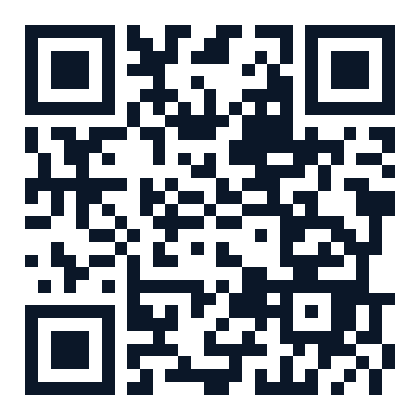
Scan for the employee schedule
This QR code opens the one-way employee schedule at networkoneems.com/employees.
Open employee page ↗Live workbook sources
Paste each workbook’s SharePoint sharing link once. The station players then read the saved workbook directly and keep the last good data if Microsoft is temporarily unavailable.
Update the station roster
Heartland’s SharePoint links require a Microsoft sign-in, so Cloudflare cannot download them directly. Choose the current roster workbook here. The website validates it, saves it privately, and updates the station players within 30 seconds.
Emergency notifications
Create a notice for this station’s rotation. Review it, then publish from Playlist. These are manager-created notices, not automatic weather alerts.
Published rotation
Preview runs independently from the station TV. Publish your playlist edits to see them here.